 |
The Game | Star Fleet | Other | Forum |
« About the Site / Large File Area
Large File Area

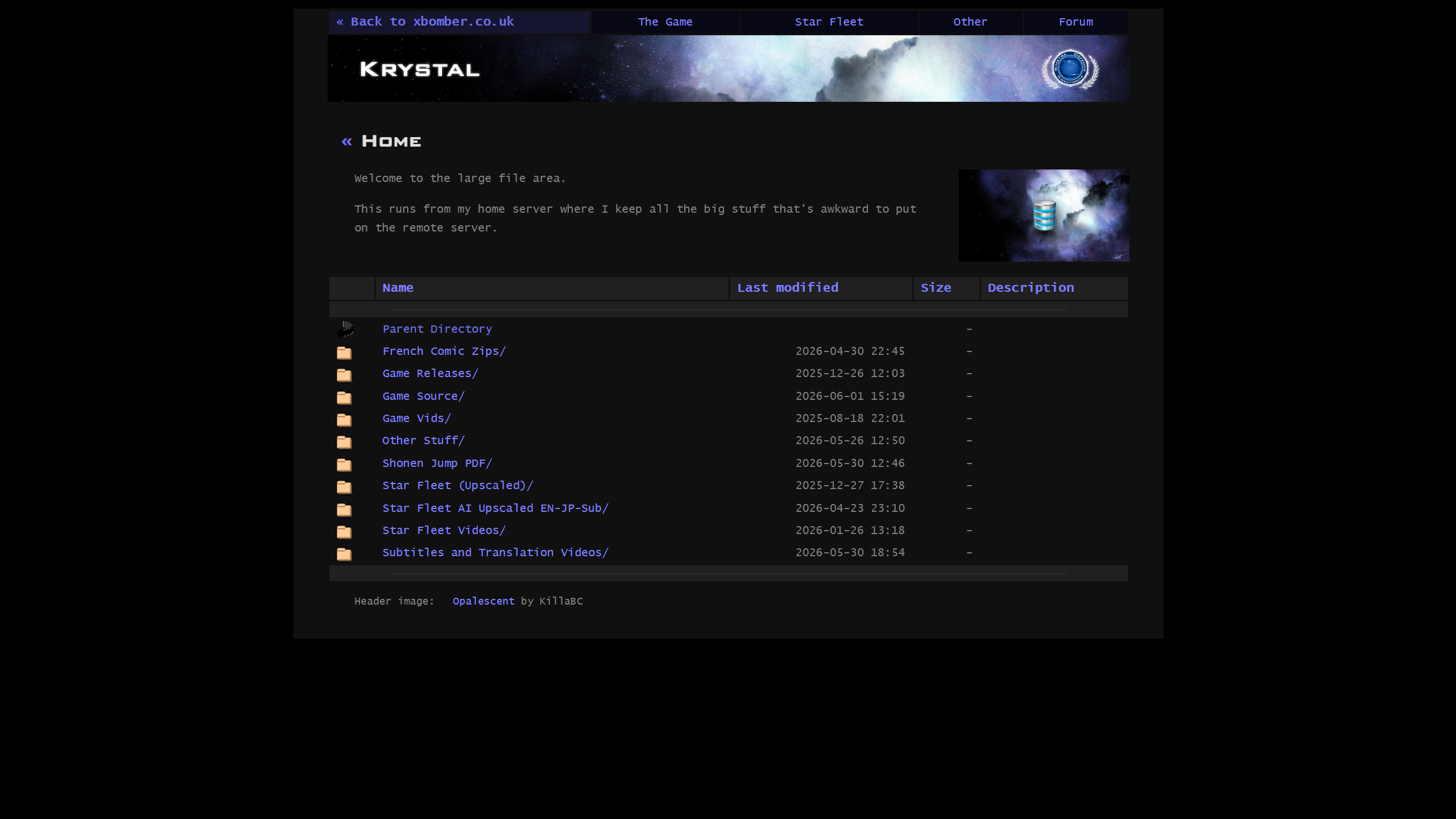
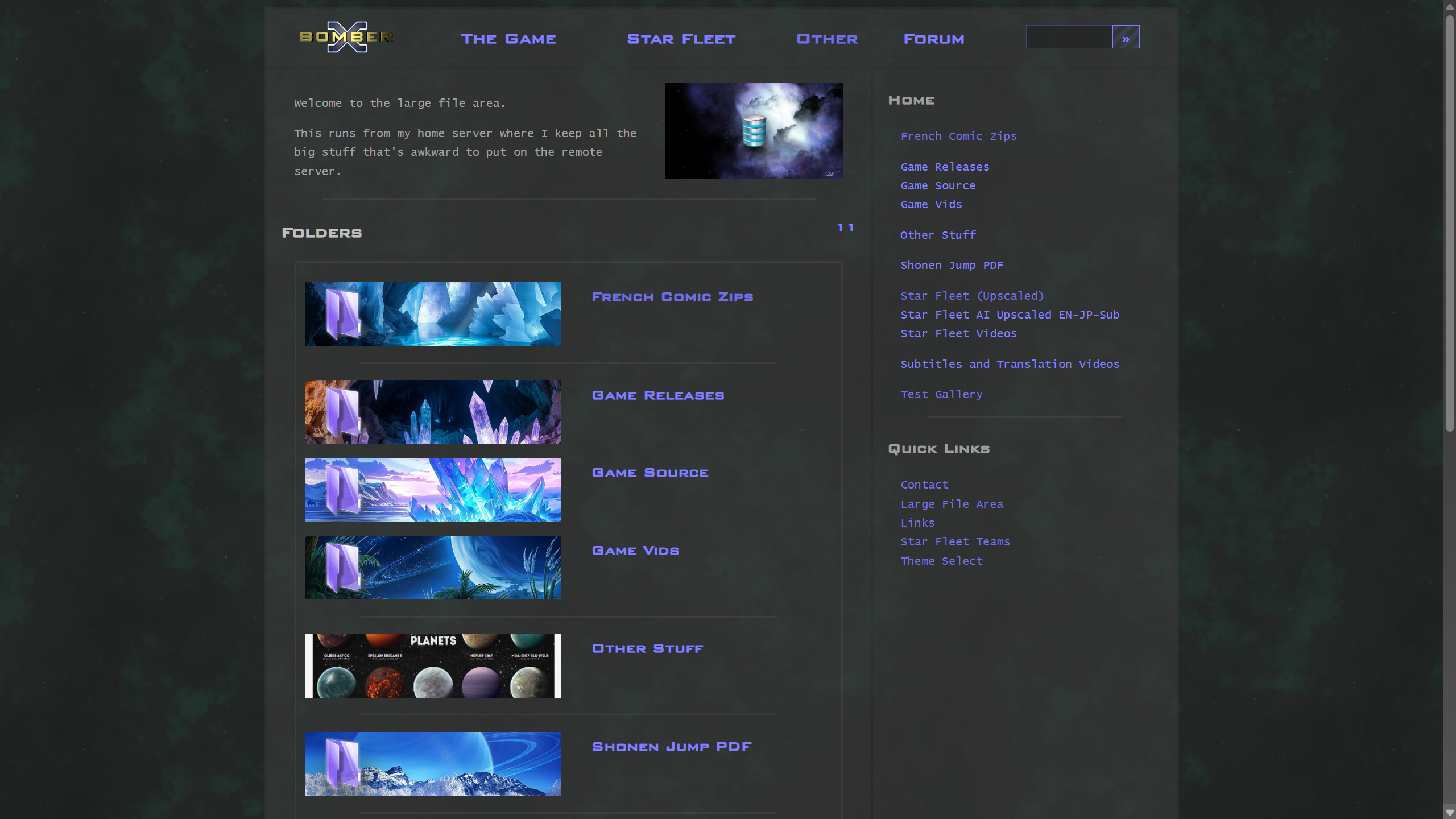
The Large File Area was a project that I started in August 2025, when Krystal Hosting started to throw its weight around with us and there were a communications breakdown with the support and customer service.
I'd already been on the look-out for a new host for quite some time and hadn't managed to find one that wasn't going to give us the same problems, if not more.
I found out about XAMPP, which is a single-install webserver for Windows, that gives you Apache, PHP, MariaDB among other things. Even with that running, it didn't look as though it was going to be possible, in anything like the near term, to get the whole site running from a home server, so initially, I created a "large file area" that was linked to from the site's right-hand menu.
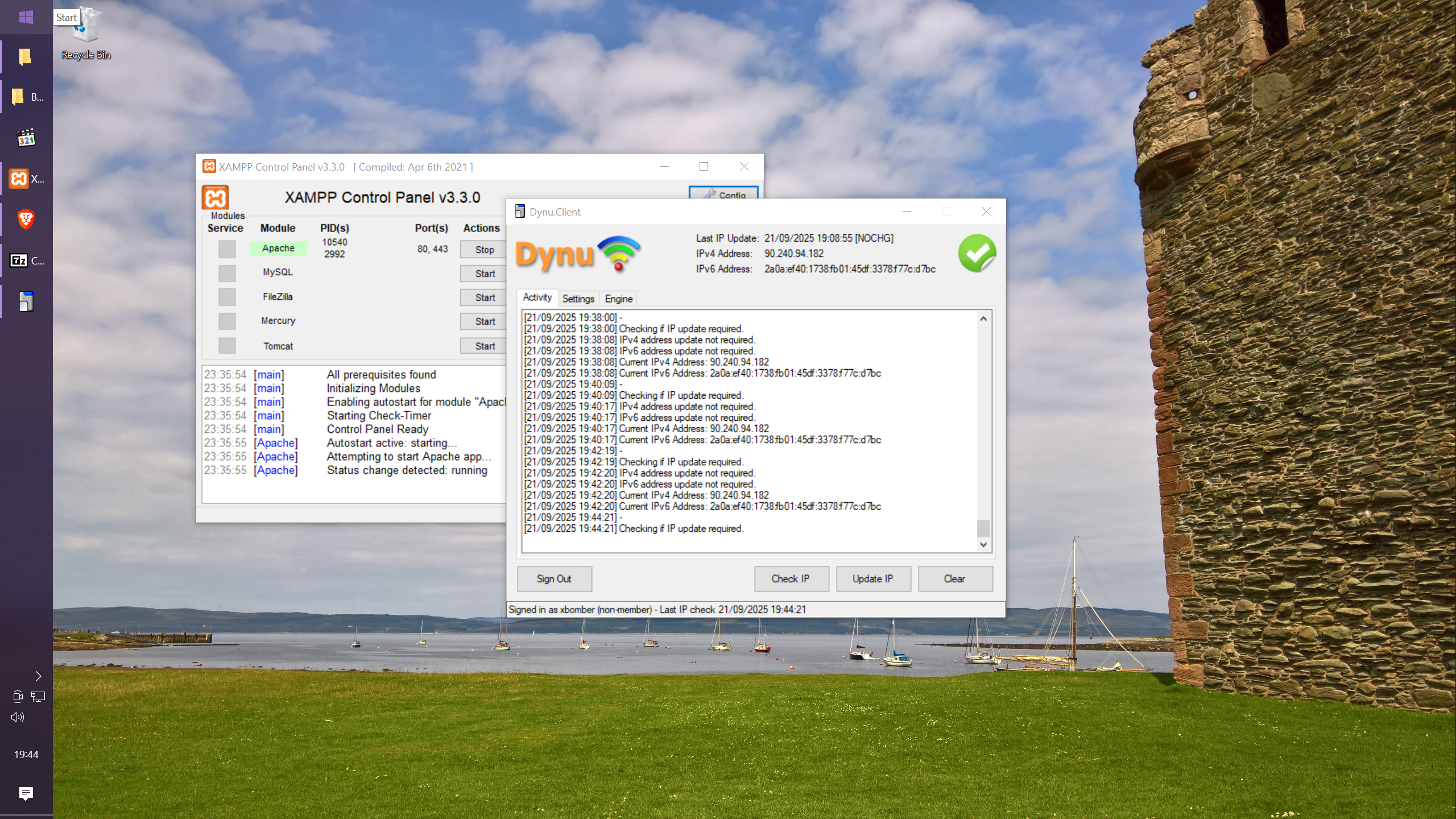
Another step forward was to use Dynu DDNS client to handle IP changes and update DNS as required.
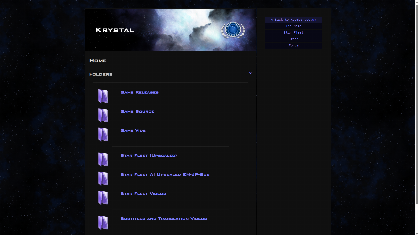
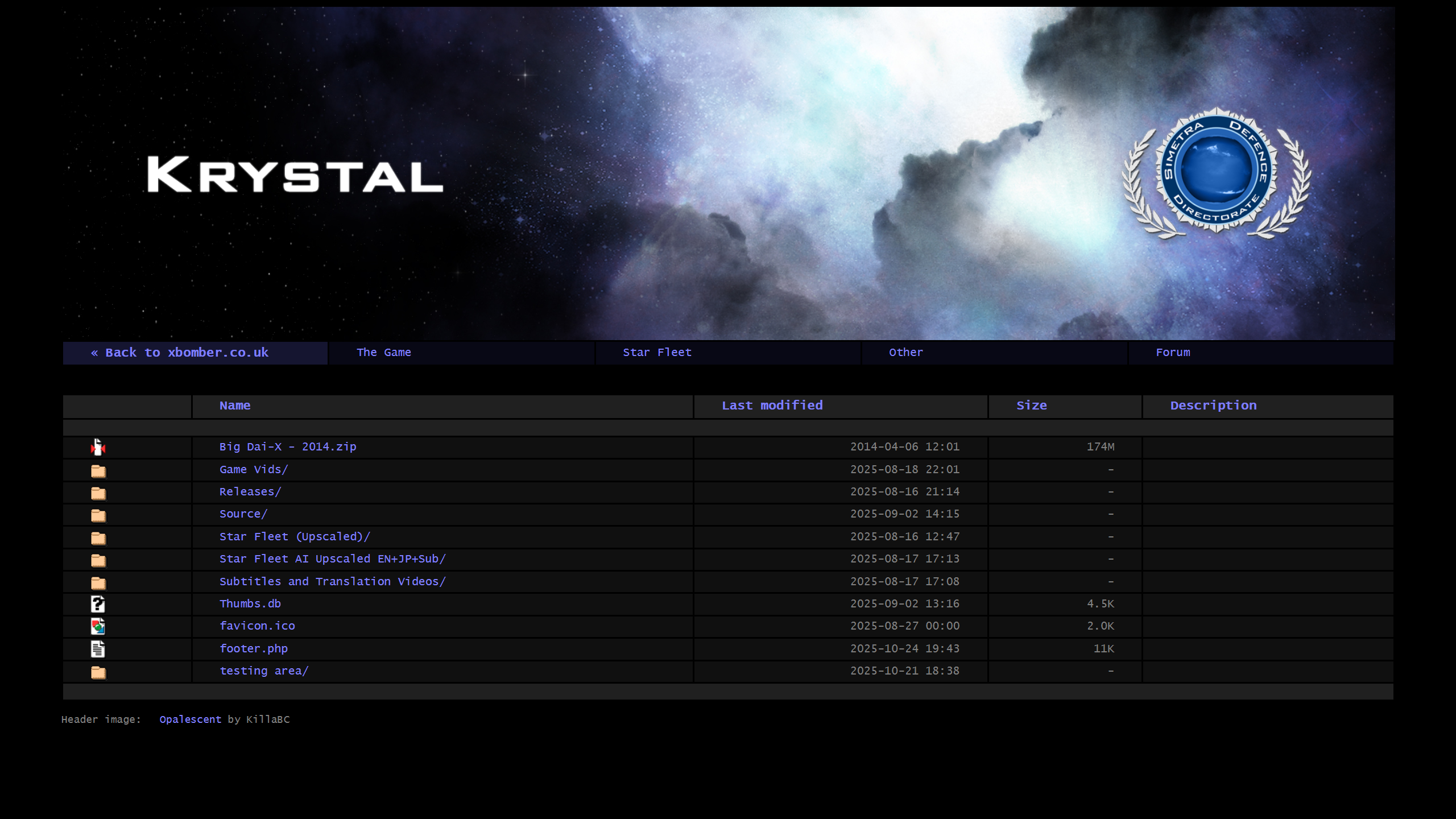
Originally, the LFA used Apache's auto-indexing with a whole series of adaptations to present video files and downloads that were too big to host practically on shared hosting and still be able to back them up locally.
After that, I took a stripped-down offshoot of the site's original code that was only designed to index files, and images and display static pages, which I used for another project, and got that running under XAMPP.
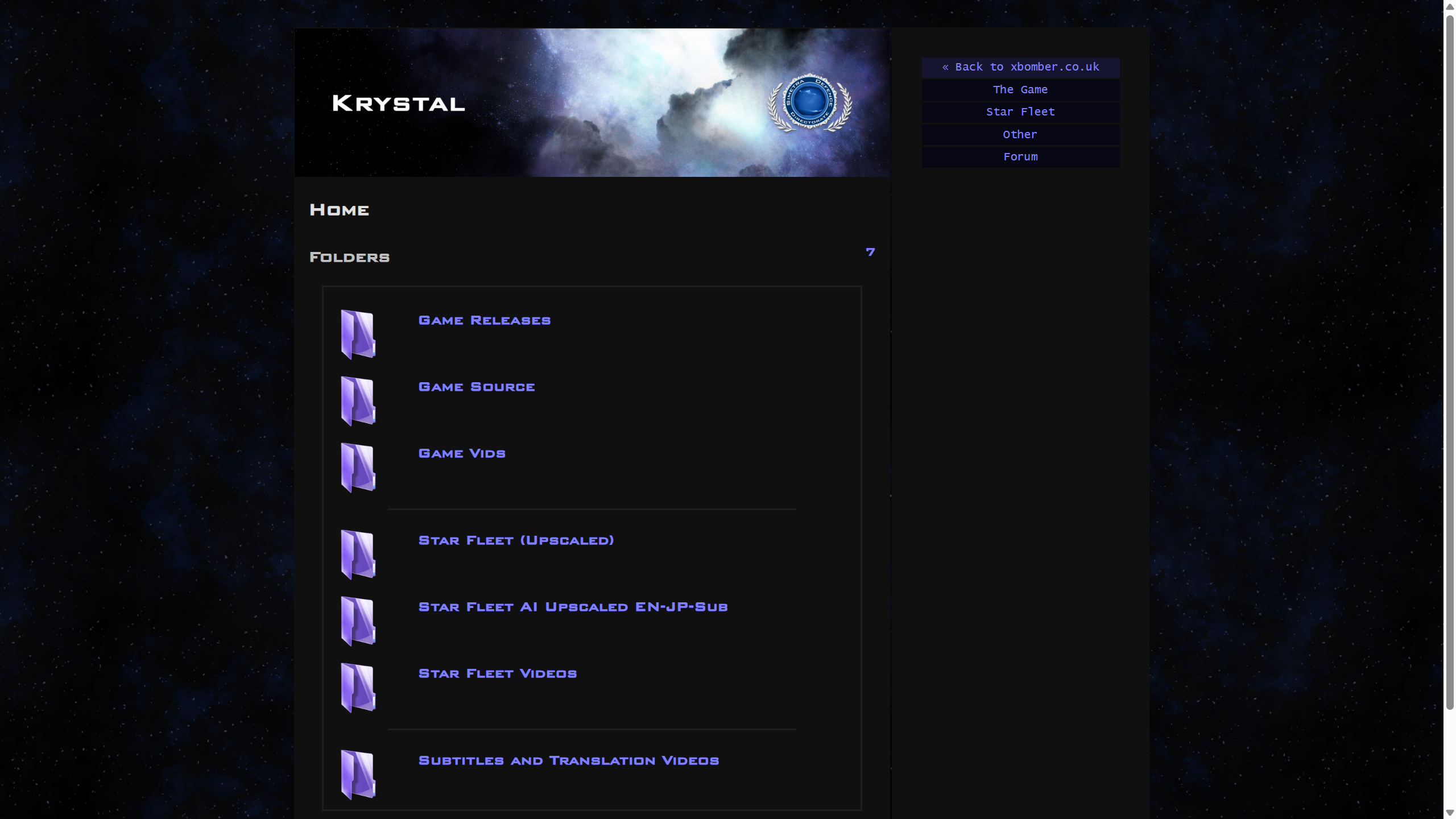
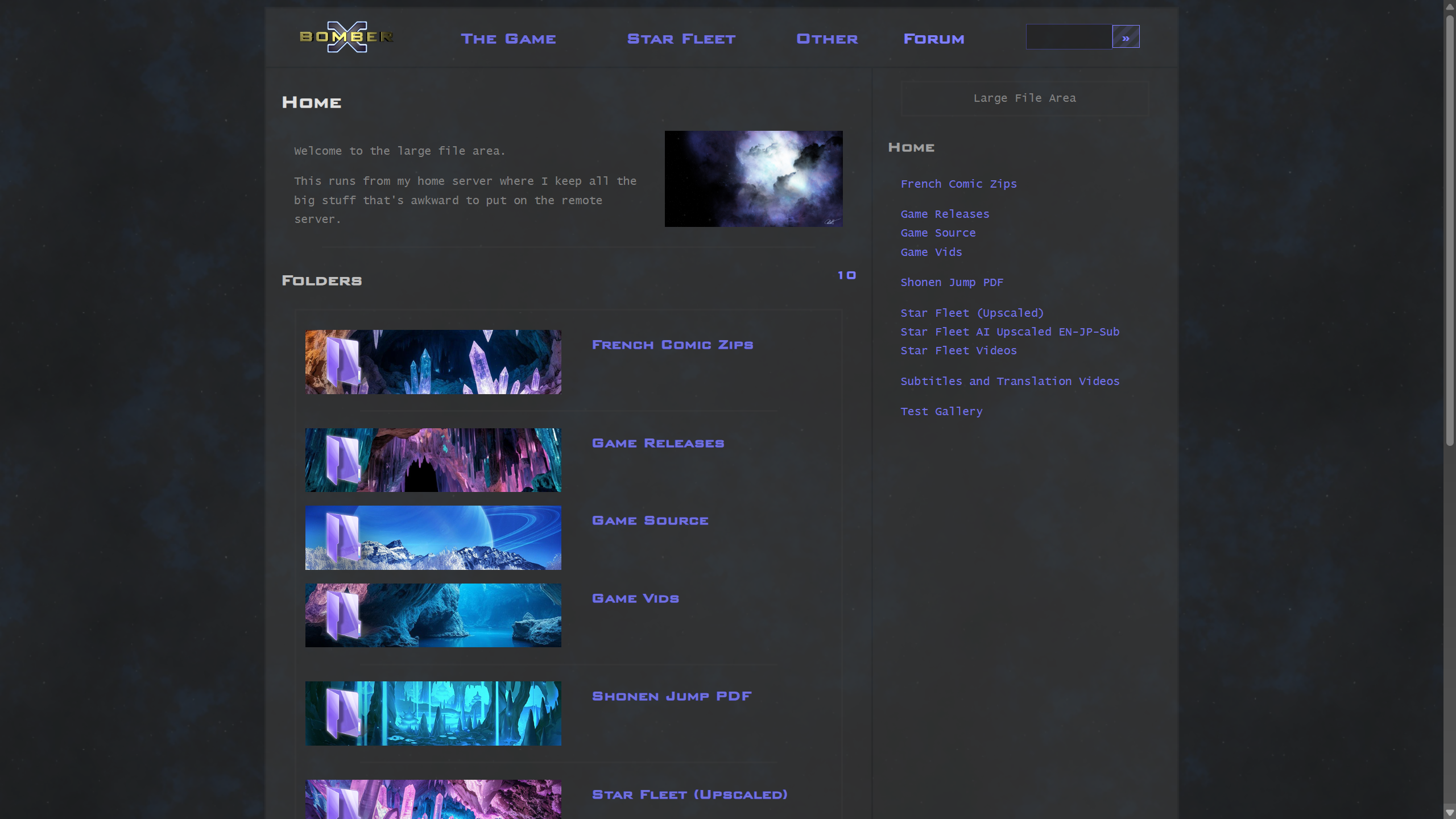
It didn't take very long after that before I was able to retrofit the code for the LFA so that it had feature parity with the site.
Main Site Migration
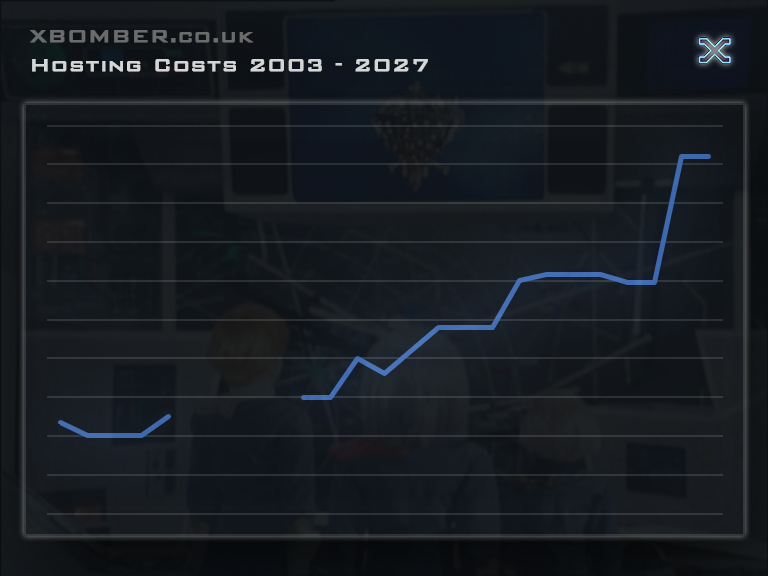
One motivation for developing the LFA has been the vastly increasing cost of storing any decent amount of data on shared hosting.
This occurred as a result of almost every provider migrating from physical web servers to virtual servers running on hosts designed to handle more lucrative cloud compute workloads.
These hosts typically have very low storage latency but also very low storage capacity meaning that fewer decent-sized hosting accounts can be accommodated on any given server.
With shortages of memory, storage and compute components only continuing to worsen, I can see costs of shared hosting increasing even further.
To prepare to migrate the content of the main site across to the LFA home server, it made sense to have Dynu handle the xbomber.com domain and point it towards the home box.
I bought xbomber.com a few years ago and it aimed towards the main site, with xbomber.co.uk still serving as the primary domain.
The next step was to enable the MariaDB service and migrate some of the databases from the main site to the LFA server.
Once the main site DB was migrated, it was possible to migrate the whole site logic and get it running under XAMPP.
The "Other" section of the site was migrated across so that I could see how well XAMPP would handle serving that section.
It was also possible to move the file structure for Sphider and its database across, and get it indexing the section that had been brought over.
Hardware Configuration

It's a bit of a coincidence that my home server got called "Crystal" back in 2012, as it's Krystal Hosting that's done my webhosting since 2003. At the time when I built Crystal, xbomber.co.uk was hosted on Peter Lewis' gibbering.net, which was an offshoot of the illicitdev project. It wasn't until 2014 that the site went back to Krystal hosting.
Crystal was named after Crystal Kane from Centurions.
Network Configuration
Network
Our router is just an ISP-supplied one, but it does have the option under its 'advanced' settings for DMZ mode, where you specify the IP of a machine on the local network and the router will forward requests over port 80 and 443 to it.
With the house being big and old, Wi-Fi doesn't work in every part of it, so we use Netgear Powerline to connect a Netgear extender and the XAMPP server.
Software Configuration
Crystal runs a recent build of XAMPP, which provides an Apache server for file-serving, PHP for server-side scripting and MySQL/Maria DB for databasing. It also gives you FTP and a few other helpful features, such as phpMyAdmin for DB maintenance.
The XAMPP sits on the machine's M.2 drive so it should always respond quickly.
Crystal's mechanical drives spin down after long stretches of inactivity to conserve power and take a few seconds to spin up when they receive I/O.
XAMPP and Dynu client start automatically as services in the event of a system restart. XAMPP kicks off the Apache and MySQL services on start-up. So it should recover nicely if Microsoft decides to spring further updates on Windows 10.
DDNS and SSL
To compensate for occasional changes to the router's external IP, Crystal runs the Dynu client to check the external IP and update Dynu's nameserver records for xbomber.com and crash.ddnsfree.com to point to the new IP, if needed.
Dynu Client is configured to check every 60 seconds and DNS changes seem to propagate within a similar length of time.
Dynu also helps you to create certificate authority-signed SSL certs for domains that it manages. That way, you won't see any privacy warnings in the browser. The below article makes adding the CA-signed to XAMPP nice and straight-forward:
XAMPP SSL Configuration and Installation Guide for Windows
Data Protection
I set up SQLBackupAndFTP, which is a great utility that triggers the mysqldump.exe to export the MySQL databases. Backups can be scheduled in its GUI and it cleans up old backups. It also compresses the exported SQL files.
Once the hostname, credentials and the mysql\bin path are set, if you encounter the error: [DBMS-MSSQL:11006#11007], set the "Generate Statistics Histograms" parameter to "Yes" under the "More settings" dialog.
With the databases exported to disk and application-consistent, FreeFileSync mirrors the whole xampp directory, which contains the whole XAMPP configuration and the htdocs directory, from OS volume to the machine's three capacity spindle disks, as well as thumb drives, which I keep in some safe locations.
Milestones
2025.08.17 - XAMPP installed, firewall and auto-indexing configured
Mirror of Star Fleet AI upscales and all X-Bomber source code and releases added
2025.09.21 - Dynamic DNS set up, using crash.ddnsfree.com
2026.01.04 - SSL CA-signed cert added to Apache, auto-indexing interface refreshed
- Transfer xbomber.com to Dynu.
- Enable SSL on xbomber.com.
- Move site database to Crystal
- Move site header module and plug-in modules to Crystal
Site functions tested and working - Move "Other" file structure to Crystal and cut over.
- Transfer sphider installation and database.
- Crystal Hardware Maintenance
Install repaired drive, cable and secure optical drive, re-cable case fans. - 2026.06.20 - Move Star Fleet file structure to Crystal.
- 2026.07.30 - Database backups running





Other
About the Site
Large File Area
Legion of Honour
Ruby
Search
SFXB Forum
Site History
Site Projects
Games - Babylon 5 Into the Fire
Games - Descent 3
Games - Fury3
Games - Operation Matriarchy
Games - Recoil
Games - Star Trek Generations
Ships - AS-5 Proteus
Ships - CA-FMF66 Blizzard
Ships - Space Above and Beyond
TV Shows - Dan Dare
TV Shows - Fireball XL5
TV Shows - Firestorm
TV Shows - Lavender Castle
TV Shows - Max Steel
TV Shows - New Captain Scarlet
TV Shows - Slugterra
TV Shows - Stingray
TV Shows - Terrahawks
TV Shows - Thunderbirds 1965
TV Shows - Thunder in Paradise
TV Shows - Xcalibur
TV Shows - Zentrix
Quick Links
This site and content is unofficial; © 2002-2026 Piers Bell and other authors.
Star Fleet, X-Bomber et al. © Enoki Films.